Nord VPN for PC: How to Download, Install, and Use It
Learn how to install NordVPN on a Windows PC, what it does, and how to decide whether it fits your needs.
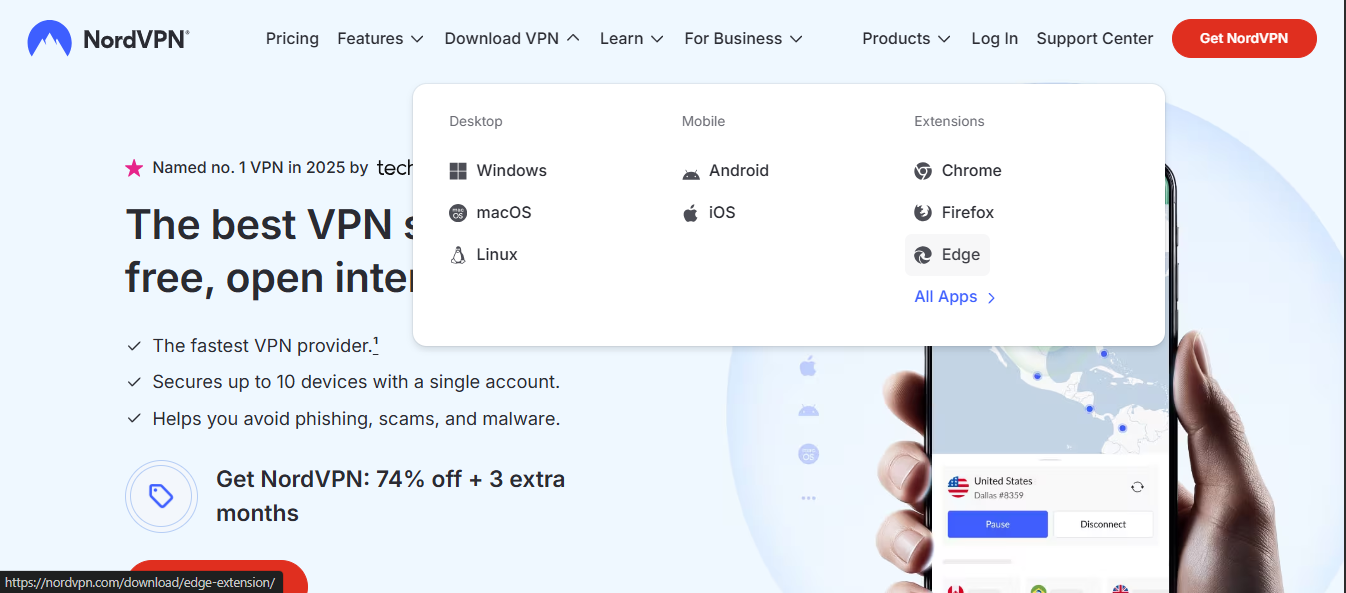
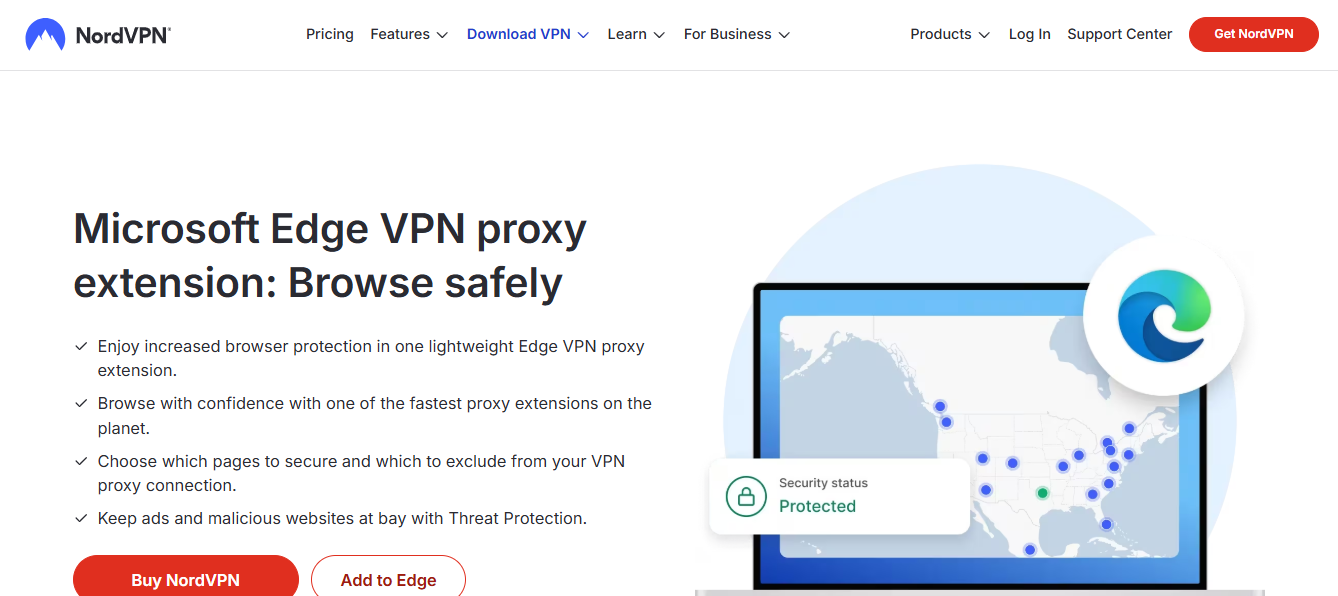
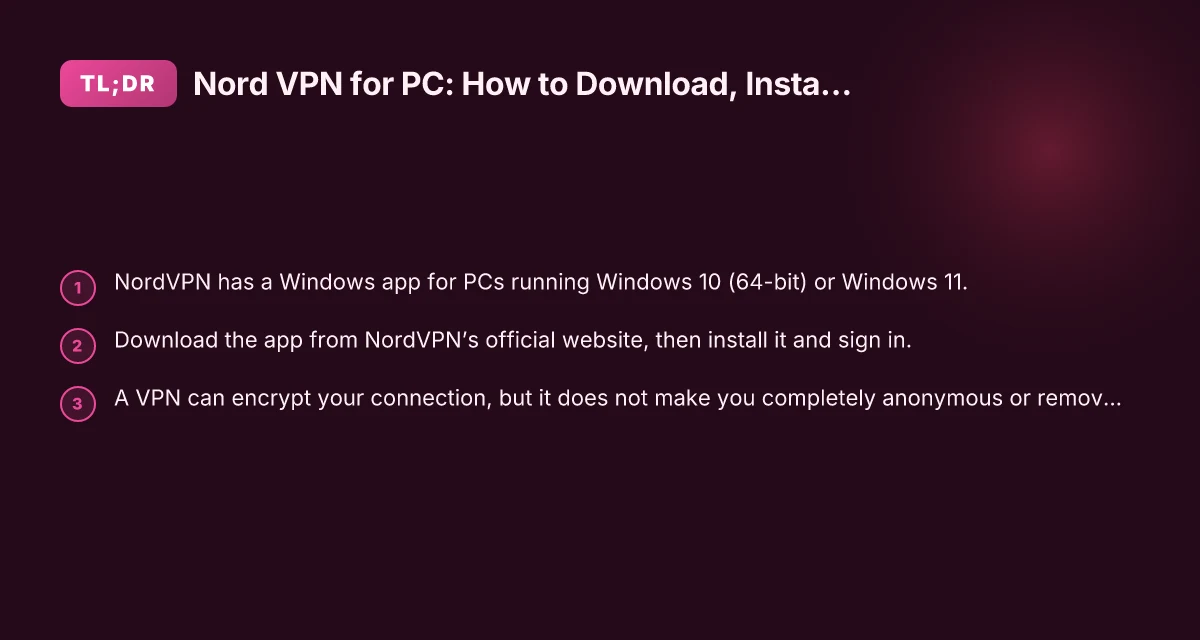
If you’re looking for Nord VPN for PC, NordVPN offers a Windows app for PCs and laptops running Windows 10 (64-bit) or Windows 11. Download it from NordVPN’s official Windows download page, install it, and sign in to connect. You’ll need an internet connection to download the app and log in.
NordVPN for PC: Windows app features at a glance
| Feature | Available in Windows app? | What it does | Best for |
|---|---|---|---|
| VPN connection | Yes | Routes traffic through a VPN server | General privacy |
| Server selection | Yes | Lets you choose a server location | Choosing a region |
| Quick Connect | Yes | Connects to a suitable server | Fast setup |
| Kill Switch | Yes | Blocks internet access if the VPN disconnects | Safer interruptions |
| Split tunneling | Supported | Excludes selected apps from the VPN | App-specific routing |
| Threat Protection | Supported | Helps block online threats | Extra web protection |
Compiled November 2026; check the provider's site for current details.
| VPN | Obfuscation | From / month | Plan | Free plan | Refund | Alipay | UnionPay | Crypto | Website opens in China | Trustpilot | |
|---|---|---|---|---|---|---|---|---|---|---|---|
 NordVPN | Turn on manually Obfuscated Servers / NordWhisper | $3.49/mo | 27 months: $94.23 | No | 30 days | ? | ✗ | ✓ | ✓ | ✗ Blocked | 4.2/5 (51,628 reviews) |
 ZoogVPN | Turn on manually Shadow | $2.49/mo | 27 months: $59.99 | Yes | 7 days | ✓ | ✓ | ✓ | ✓ | Official site blocked; our special link opens (4.4 s) | 4.2/5 (195 reviews) |
 ExpressVPN | ✓ On by default all servers | $3.00/mo | 28 months: $84 | No | 30 days | ✗ | ✗ | ✓ | ✗ | ✗ Blocked | 4.4/5 (29,706 reviews) |
 Surfshark | ✓ On by default Camouflage, with OpenVPN | See site | See site | No | 30 days | ✗ | ✗ | ✗ | ✓ | ✗ Blocked | 4.3/5 (31,823 reviews) |
 Proton VPN | Turn on manually Stealth, free plan too | $2.99/mo | 12 months: $35.88 | Yes | 30 days | ✗ | ✗ | ✗ | ✓ | ✗ Blocked | 2.1/5 (1,040 reviews) |
 Astrill VPN | Turn on manually StealthVPN / OpenWeb | $12.50/mo | 24 months: $300 | No | See site | ✗ | ✗ | ✗ | ✓ | ✗ Blocked | 1.3/5 (110 reviews) |
 Private Internet Access | Turn on manually Shadowsocks, OpenVPN only | $2.03/mo | 40 months: $81.2 | No | 30 days | ✗ | ✗ | ✗ | ✗ | ✗ Blocked | 4.2/5 (11,033 reviews) |
 CyberGhost | Turn on manually selected servers | $2.19/mo | 28 months: $61.32 | No | 45 days | ✗ | ✗ | ✗ | ✓ | ✗ Blocked | 4.0/5 (24,178 reviews) |
 PureVPN | Turn on manually switch to OpenVPN | $1.69/mo | 60 months: $101.55 | No | 31 days | ? | ? | ✗ | ✓ | ✗ Blocked | 4.4/5 (17,994 reviews) |
 AdGuard VPN | ✓ On by default TrustTunnel | $2.99/mo | 24 months: $71.76 | Yes | 30 days | ✓ | ✗ | ✓ | ✓ | Official site blocked; our special link opens (3.7 s) | 4.3/5 (290 reviews) |
 Mullvad | Turn on manually QUIC / Shadowsocks / LWO | $5.61/mo | €5/mo | No | 14 days | ✗ | ✗ | ✗ | ✓ | ✗ Blocked | 3.2/5 (192 reviews) |
 Windscribe | Turn on manually Stealth / WStunnel | $5.75/mo | 12 months: $69 | Yes | See site | ✗ | ✗ | ✗ | ✓ | ✗ Blocked | 4.7/5 (13,355 reviews) |
 StrongVPN | Turn on manually Scramble, OpenVPN TCP | See site | See site | No | 30 days | ✓ | ✗ | ✗ | ✗ | ✗ Blocked | 4.4/5 (2,695 reviews) |
 LightXtreme 闪连 | Not listed | $7.08/mo | 12 months: $84.99 | Yes | 30 days | ✓ | ✓ | ✓ | ✓ | ✓ Yes (3.5 s) | No page |
Prices checked 2026-11-10 on each vendor's pricing page (cheapest long plan, USD). Check the vendor's checkout for the final price.
Obfuscation checked 2026-11-14 on each vendor's site and help center: "on by default" = nothing to set; "turn on manually" = switch protocol or mode in settings; "not listed" = the vendor describes no obfuscation.
Payment methods checked 2026-11-10 on each vendor's payment pages: all 14 take cards and PayPal; ✗ = not listed, ? = the vendor's own pages disagree.
China access: whether the official website opens from mainland China networks (tests the website only, not the VPN connection). Last checked 2026-11-18 01:02 Beijing time.
Trustpilot score and review count checked 2026-11-10.
Is NordVPN available for PC?
Yes. NordVPN provides an app for Windows computers, including compatible PCs and laptops. The app lets you connect to a VPN server through a desktop interface rather than configuring every connection manually.
NordVPN’s listed requirements are:
- Windows 10 (64-bit) or Windows 11
- An internet connection to download the app and sign in
Before downloading, check which version of Windows your PC uses. If your computer runs a different operating system or an unsupported Windows version, check NordVPN’s official support information for the relevant options.
How to download and install NordVPN on Windows
For a straightforward setup, use NordVPN’s official Windows download page. Downloading from the provider helps you get the intended app and current installation guidance. VPN Extension for Edge Free: How to Choose One Safely
Installation steps
- Open NordVPN’s official download page for Windows.
- Download the Windows app.
- Open the downloaded installer and follow the on-screen instructions.
- Launch NordVPN once installation is complete.
- Sign in to your NordVPN account.
- Select a server or use the app’s connection option to connect.
You need an active internet connection for the download and sign-in. If the installer does not open, or you cannot log in, consult NordVPN’s official support guide for Windows. Avoid downloading installers from unfamiliar sites, even if they advertise a free download.
What can you do with the Windows app?
A VPN routes your internet traffic through a VPN server and encrypts the connection between your device and that server. This can help protect traffic from being easily read by others on the same local network, such as when you use public Wi-Fi.
With NordVPN for PC, you can use the app to:
- Connect to a VPN server.
- Encrypt traffic between your PC and the VPN server.
- Change the apparent IP address websites see to the VPN server’s address.
- Manage your VPN connection from Windows.
A VPN is only one part of online security. It does not prevent every form of tracking, protect against all malware, or guarantee that websites cannot identify you through account details, cookies, or other information. Keep your operating system and security software updated, and use strong, unique passwords. Urban VPN Edge Extension: What It Does and How to Use It
NordVPN download options for Windows
| Download option | Source | Recommended? | Main consideration |
|---|---|---|---|
| Official Windows app | NordVPN website | Yes | Direct, official source |
| Microsoft Store app | Microsoft Store | Yes, if listed | Install through the store |
| Third-party download site | Unofficial website | No | File may be outdated or altered |
| Existing installer file | Unknown source | No | Verify its origin before opening |
| Official account page | NordVPN account | Yes | Follow NordVPN’s download instructions |
| Search-result download link | Search engine result | Not by itself | Confirm it leads to an official source |
Compiled November 2026; check the provider's site for current details.
Official download or third-party download?
Search results may show NordVPN downloads from third-party software directories as well as NordVPN itself. For most PC users, the official provider page is the clearest place to start because it provides the Windows download and links to the provider’s setup guidance.
| Option | What to consider |
|---|---|
| NordVPN’s official Windows page | Direct source for the app and Windows-specific download information |
| Third-party download directory | Check the publisher and installer carefully; confirm details with NordVPN |
| Unfamiliar download site | Best avoided because the file’s source and integrity may be unclear |
Be cautious with pages that describe a “free” download without clearly explaining what is included. Downloading an app does not necessarily mean the VPN service itself is free. Review NordVPN’s current terms and account options directly before signing up. ey VPN connect(2026)
Common questions about NordVPN for PC
Is NordVPN free for PC?
The Windows app is available to download, but that alone does not establish that the VPN service is free. Check NordVPN’s official site for current account terms, trial information, and any applicable subscription details. Do not rely on third-party listings for current pricing or free-trial claims.
What are the downsides of using NordVPN?
As with any VPN, using NordVPN may add another step to your connection and can affect how some websites or services work. A VPN also shifts trust from your internet provider or local network to the VPN provider, so it is sensible to understand the provider’s privacy information and account terms. Most importantly, a VPN is not a complete replacement for careful browsing, device updates, or other security measures.
Can the FBI track someone using NordVPN?
A VPN should not be treated as a guarantee of anonymity or as a way to avoid lawful investigation. A VPN changes how your connection is routed, but online activity may still be linked to a person through account logins, device information, or other records. For questions about NordVPN’s data practices, consult its current privacy documentation rather than assuming that any VPN makes a user untraceable.
Choosing a VPN setup for a Windows PC urban VPN chrome extension(2026)
| Option | Setup effort | App control | Update route | Suitable when |
|---|---|---|---|---|
| NordVPN Windows app | Low | Windows app features | NordVPN or store | You want a dedicated desktop app |
| Manual VPN setup | Higher | Depends on Windows settings | Manual configuration | You prefer built-in controls |
| Browser VPN extension | Low | Browser traffic only | Browser extension store | You only need browser coverage |
| Third-party VPN app | Varies | Depends on provider | Provider or download site | You have chosen another provider |
| No VPN | None | No VPN controls | Not applicable | You do not need a VPN connection |
Compiled November 2026; check the provider's site for current details.
Recommendation
NordVPN is an option for Windows users who want a desktop VPN app and whose PC runs Windows 10 (64-bit) or Windows 11. Download it from NordVPN’s official page, confirm the current service terms, and use it as one layer of privacy protection, not as a guarantee of complete anonymity or security.