VPN Extension for Edge Free: How to Choose One Safely
Find a free VPN extension for Edge, compare popular options, and learn what browser VPNs can and cannot protect.
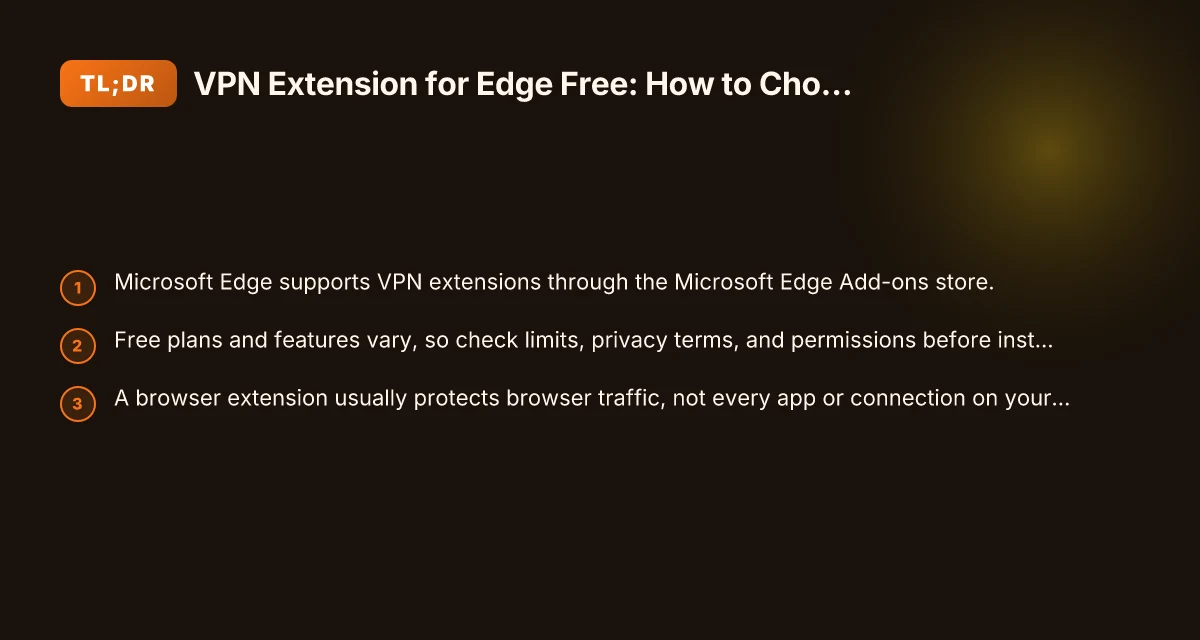
If you’re looking for a vpn extension for edge free, you can install one from the Microsoft Edge Add-ons store. Options include VeePN, Windscribe, and Free VPN Planet. Before choosing, check what the free plan includes and whether its privacy protections fit your needs: “free VPN” does not mean every service offers the same data limits, locations, or features.
Compare free VPN approaches for Microsoft Edge
| Option | Works in Edge | Covers other apps | Main advantage | Main limitation |
|---|---|---|---|---|
| Browser VPN extension | Yes, in the browser | No | Quick to enable | Protects browser traffic only |
| Full VPN app | Yes, through the device | Yes | Covers more internet traffic | Requires installing an app |
| Edge private browsing | Yes | No | Keeps local browsing history separate | Does not hide your IP |
| Proxy extension | Yes | No | Can change apparent location | May not encrypt traffic |
| Free VPN service | Depends on provider | Depends on provider | No subscription fee | May limit speed or data |
| Paid VPN service | Depends on provider | Depends on provider | Often has more features | Requires payment |
Compiled November 2026; check the provider's site for current details.
| VPN | Obfuscation | From / month | Plan | Free plan | Refund | Alipay | UnionPay | Crypto | Website opens in China | Trustpilot | |
|---|---|---|---|---|---|---|---|---|---|---|---|
 Windscribe | Turn on manually Stealth / WStunnel | $5.75/mo | 12 months: $69 | Yes | See site | ✗ | ✗ | ✗ | ✓ | ✗ Blocked | 4.7/5 (13,355 reviews) |
 ZoogVPN | Turn on manually Shadow | $2.49/mo | 27 months: $59.99 | Yes | 7 days | ✓ | ✓ | ✓ | ✓ | Official site blocked; our special link opens (4.4 s) | 4.2/5 (195 reviews) |
 NordVPN | Turn on manually Obfuscated Servers / NordWhisper | $3.49/mo | 27 months: $94.23 | No | 30 days | ? | ✗ | ✓ | ✓ | ✗ Blocked | 4.2/5 (51,628 reviews) |
 ExpressVPN | ✓ On by default all servers | $3.00/mo | 28 months: $84 | No | 30 days | ✗ | ✗ | ✓ | ✗ | ✗ Blocked | 4.4/5 (29,706 reviews) |
 Surfshark | ✓ On by default Camouflage, with OpenVPN | See site | See site | No | 30 days | ✗ | ✗ | ✗ | ✓ | ✗ Blocked | 4.3/5 (31,823 reviews) |
 Proton VPN | Turn on manually Stealth, free plan too | $2.99/mo | 12 months: $35.88 | Yes | 30 days | ✗ | ✗ | ✗ | ✓ | ✗ Blocked | 2.1/5 (1,040 reviews) |
 Astrill VPN | Turn on manually StealthVPN / OpenWeb | $12.50/mo | 24 months: $300 | No | See site | ✗ | ✗ | ✗ | ✓ | ✗ Blocked | 1.3/5 (110 reviews) |
 Private Internet Access | Turn on manually Shadowsocks, OpenVPN only | $2.03/mo | 40 months: $81.2 | No | 30 days | ✗ | ✗ | ✗ | ✗ | ✗ Blocked | 4.2/5 (11,033 reviews) |
 CyberGhost | Turn on manually selected servers | $2.19/mo | 28 months: $61.32 | No | 45 days | ✗ | ✗ | ✗ | ✓ | ✗ Blocked | 4.0/5 (24,178 reviews) |
 PureVPN | Turn on manually switch to OpenVPN | $1.69/mo | 60 months: $101.55 | No | 31 days | ? | ? | ✗ | ✓ | ✗ Blocked | 4.4/5 (17,994 reviews) |
 AdGuard VPN | ✓ On by default TrustTunnel | $2.99/mo | 24 months: $71.76 | Yes | 30 days | ✓ | ✗ | ✓ | ✓ | Official site blocked; our special link opens (3.7 s) | 4.3/5 (290 reviews) |
 Mullvad | Turn on manually QUIC / Shadowsocks / LWO | $5.61/mo | €5/mo | No | 14 days | ✗ | ✗ | ✗ | ✓ | ✗ Blocked | 3.2/5 (192 reviews) |
 StrongVPN | Turn on manually Scramble, OpenVPN TCP | See site | See site | No | 30 days | ✓ | ✗ | ✗ | ✗ | ✗ Blocked | 4.4/5 (2,695 reviews) |
 LightXtreme 闪连 | Not listed | $7.08/mo | 12 months: $84.99 | Yes | 30 days | ✓ | ✓ | ✓ | ✓ | ✓ Yes (3.5 s) | No page |
Prices checked 2026-11-10 on each vendor's pricing page (cheapest long plan, USD). Check the vendor's checkout for the final price.
Obfuscation checked 2026-11-14 on each vendor's site and help center: "on by default" = nothing to set; "turn on manually" = switch protocol or mode in settings; "not listed" = the vendor describes no obfuscation.
Payment methods checked 2026-11-10 on each vendor's payment pages: all 14 take cards and PayPal; ✗ = not listed, ? = the vendor's own pages disagree.
China access: whether the official website opens from mainland China networks (tests the website only, not the VPN connection). Last checked 2026-11-18 01:02 Beijing time.
Trustpilot score and review count checked 2026-11-10.
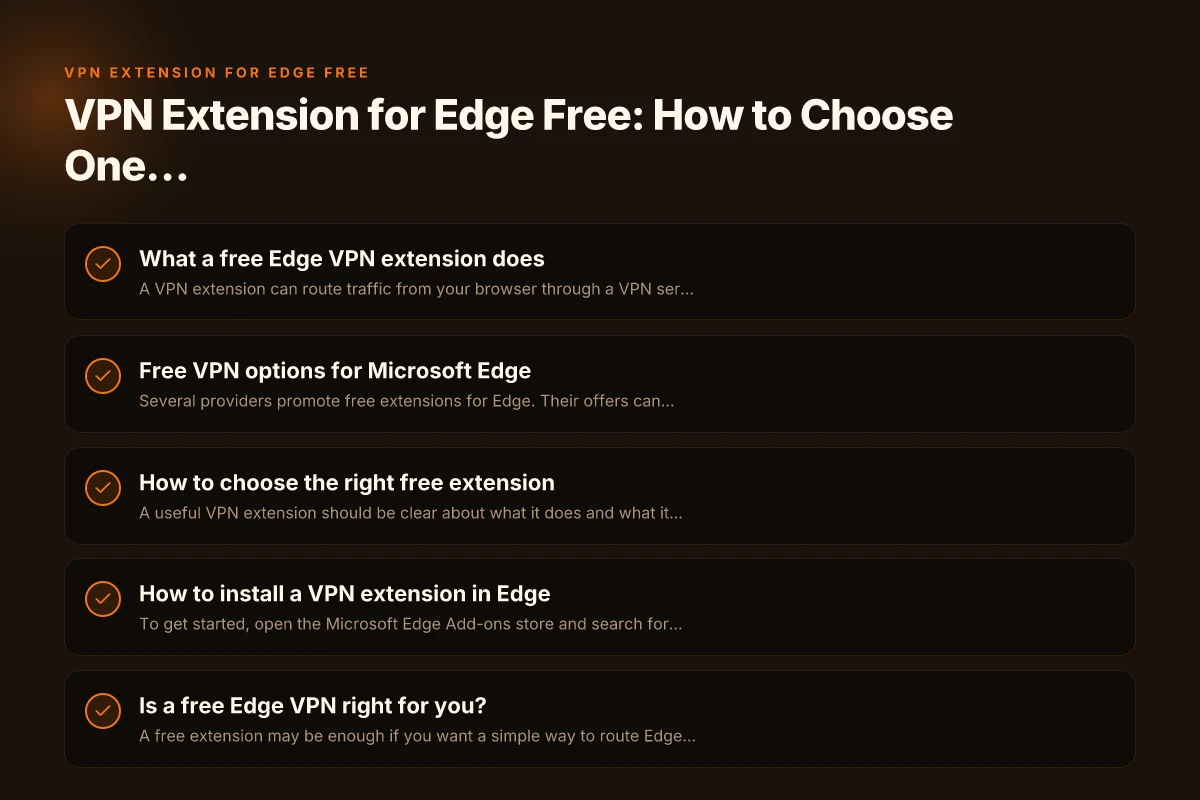
What a free Edge VPN extension does
A VPN extension can route traffic from your browser through a VPN service, helping mask your usual IP address from websites and making it harder for others on the same network to see your browsing activity. Depending on the provider, it may also offer features such as location selection, ad or tracker blocking, and protection against browser leaks.
The key distinction is that a browser extension may protect only traffic within Edge. It should not automatically be treated as a device-wide VPN for other browsers, games, or apps. If you want protection for all internet activity on your computer, check whether the provider offers a separate desktop app and what that app covers.
A VPN also does not make you completely anonymous. Websites may still identify you through account logins, cookies, or other tracking methods, and a VPN does not replace safe browsing habits.
Free VPN options for Microsoft Edge
Several providers promote free extensions for Edge. Their offers can change, so confirm current features and terms on the provider’s own page or in the Edge Add-ons listing. Urban VPN Edge Extension: What It Does and How to Use It
| Extension | What the listed offer highlights | What to check |
|---|---|---|
| VeePN | A free Edge extension; its listings promote private browsing, and the provider describes an option to upgrade | Which features and locations are available without upgrading |
| Windscribe | A free Edge add-on with location selection, ad and tracker blocking, and browser leak protection | The free plan’s current limits and available locations |
| Free VPN Planet | A free extension promoted for hiding your IP and accessing content | How its privacy policy, data handling, and free-plan terms are explained |
These descriptions summarize promotional information, not an independent security assessment. Read the listing and privacy policy before installing any extension.
How to choose the right free extension
A useful VPN extension should be clear about what it does and what it collects. Consider these points before you add one to Edge:
- Privacy policy: Look for a straightforward explanation of what data is collected, how it is used, and whether browsing activity is logged.
- Free-plan limits: Confirm whether the plan limits data, speed, locations, or features. Do not assume that “free” means unlimited.
- Permissions: Review the access the extension requests. Browser extensions may need broad permissions to manage web traffic, but those permissions should make sense for the service.
- Security features: Check whether the provider explains encryption and browser leak protection. Treat claims such as “secure” or “private” as claims to verify, not guarantees.
- Provider reputation: Check the extension’s publisher, user feedback, and support information. Download through the official Edge Add-ons store or the provider’s official site.
- Upgrade prompts: Some free extensions offer paid plans. Make sure you understand which features are free before relying on them.
Avoid installing several VPN extensions at once. Multiple tools can conflict, make troubleshooting harder, or create confusion about which service is handling your browser traffic.
Free Edge VPN extension safety checklist ey VPN connect(2026)
| Check | Safer sign | Warning sign | Why it matters |
|---|---|---|---|
| Publisher | Recognizable provider | Unknown or unclear publisher | Helps assess accountability |
| Privacy policy | Explains data handling | Missing or vague policy | Shows what may be collected |
| Permissions | Relevant to VPN features | Requests unrelated access | Limits unnecessary exposure |
| Encryption | Clearly described | Not explained | Helps protect connection data |
| Business model | Discloses how it is funded | Free with no explanation | Free services may monetize data |
| Reviews | Consistent, credible feedback | Repeated reports of problems | Offers clues about reliability |
| Updates | Recent maintenance | Appears abandoned | Updates can address security issues |
Compiled November 2026; check the provider's site for current details.
How to install a VPN extension in Edge
To get started, open the Microsoft Edge Add-ons store and search for the provider or VPN extension you want. Open its listing and review the publisher, description, permissions, and privacy information. If it looks suitable, choose the option to add the extension to Edge and follow the prompts.
After installation:
- Open the extension from the Edge toolbar.
- Sign in or create an account if the provider requires it.
- Choose an available server or location, if offered.
- Connect, then visit a reputable IP-checking site to see whether your browser’s visible IP address has changed.
- Disconnect and reconnect when needed, and check the extension’s settings for leak protection or other controls.
An IP check is only a basic confirmation. It does not prove that every kind of traffic is covered or that a provider meets all privacy expectations. urban VPN chrome extension(2026)
Is a free Edge VPN right for you?
A free extension may be enough if you want a simple way to route Edge browsing through a VPN and the provider’s free terms meet your needs. It can be convenient for browser-specific use, but it may not protect other apps on your device. Free services can also differ in speed, server choice, data limits, and privacy practices.
If you need whole-device coverage, look for a reputable VPN provider with a dedicated desktop application. If your main concern is privacy, prioritize transparent policies and a clear explanation of how the service handles data over the number of advertised features.
Decide whether a free Edge VPN extension fits your needs
| Your need | Extension may fit | Consider another option | Reason |
|---|---|---|---|
| Protect browser traffic on public Wi-Fi | Yes, if trustworthy | Full VPN app for broader coverage | Extensions cover browser traffic |
| Protect every app on your device | No | Full VPN app | App traffic is outside extension coverage |
| Avoid subscription costs | Possibly | Compare free plans carefully | Free options may have limits |
| Access a specific region | Possibly | Check available locations first | Free locations can be limited |
| Keep sensitive activity private | Only with strong privacy terms | Reputable full VPN service | Provider policies differ |
| Install with minimal setup | Yes | Full VPN app if needed | Extensions are browser-based |
| Need dependable support and features | Often not ideal | Paid VPN service | Free plans may offer less support |
Compiled November 2026; check the provider's site for current details. turn off microsoft edge VPN(2026)
Recommendation
For a vpn extension for edge free, start with the Microsoft Edge Add-ons store and compare VeePN, Windscribe, and Free VPN Planet against your needs. Check each extension’s current free-plan terms, permissions, and privacy policy before installing it. Choose a browser extension for Edge-only browsing. Choose a full VPN app if you need protection beyond the browser.