VPN microsoft edge(2026)
Learn how Microsoft Edge Secure Network works, how to turn it on, and when to choose a separate VPN.
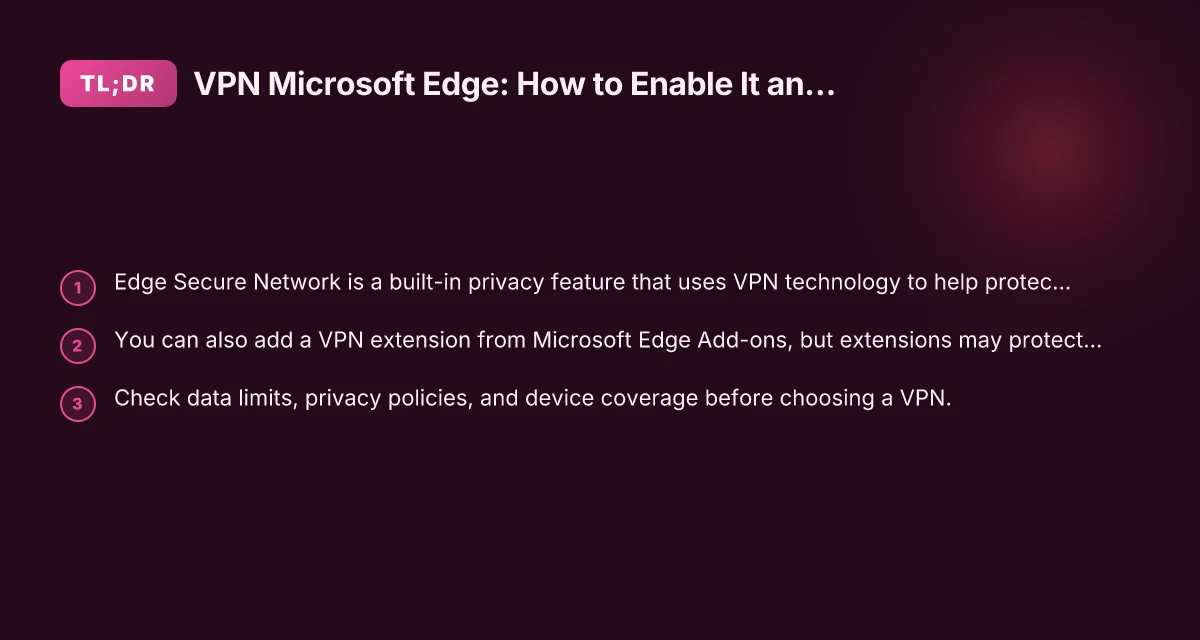
Microsoft Edge offers Secure Network, a built-in privacy feature that uses VPN technology to help protect your connection while browsing. To use it, open Edge settings and look for Privacy, search, and services or Security, then locate Microsoft Edge Secure Network and follow the prompts to turn it on. If the feature is not available in your settings, you can look for a VPN extension in Microsoft Edge Add-ons or install a standalone VPN app.
Comparing Edge Secure Network with a VPN extension
| Feature | Edge Secure Network | VPN extension |
|---|---|---|
| Where it works | Microsoft Edge | Browser traffic |
| Setup | Built into Edge | Install an extension |
| Microsoft account | May be required | Depends on provider |
| Server choice | Limited or automatic | Varies by provider |
| Browser coverage | Edge only | Usually the browser |
| App coverage | Not all device traffic | Not all device traffic |
| Best suited for | Simple browser privacy | More control in the browser |
Compiled November 2026; check the provider's site for current details.
| VPN | Obfuscation | From / month | Plan | Free plan | Refund | Alipay | UnionPay | Crypto | Website opens in China | Trustpilot | |
|---|---|---|---|---|---|---|---|---|---|---|---|
 ZoogVPN | Turn on manually Shadow | $2.49/mo | 27 months: $59.99 | Yes | 7 days | ✓ | ✓ | ✓ | ✓ | Official site blocked; our special link opens (4.4 s) | 4.2/5 (195 reviews) |
 NordVPN | Turn on manually Obfuscated Servers / NordWhisper | $3.49/mo | 27 months: $94.23 | No | 30 days | ? | ✗ | ✓ | ✓ | ✗ Blocked | 4.2/5 (51,628 reviews) |
 ExpressVPN | ✓ On by default all servers | $3.00/mo | 28 months: $84 | No | 30 days | ✗ | ✗ | ✓ | ✗ | ✗ Blocked | 4.4/5 (29,706 reviews) |
 Surfshark | ✓ On by default Camouflage, with OpenVPN | See site | See site | No | 30 days | ✗ | ✗ | ✗ | ✓ | ✗ Blocked | 4.3/5 (31,823 reviews) |
 Proton VPN | Turn on manually Stealth, free plan too | $2.99/mo | 12 months: $35.88 | Yes | 30 days | ✗ | ✗ | ✗ | ✓ | ✗ Blocked | 2.1/5 (1,040 reviews) |
 Astrill VPN | Turn on manually StealthVPN / OpenWeb | $12.50/mo | 24 months: $300 | No | See site | ✗ | ✗ | ✗ | ✓ | ✗ Blocked | 1.3/5 (110 reviews) |
 Private Internet Access | Turn on manually Shadowsocks, OpenVPN only | $2.03/mo | 40 months: $81.2 | No | 30 days | ✗ | ✗ | ✗ | ✗ | ✗ Blocked | 4.2/5 (11,033 reviews) |
 CyberGhost | Turn on manually selected servers | $2.19/mo | 28 months: $61.32 | No | 45 days | ✗ | ✗ | ✗ | ✓ | ✗ Blocked | 4.0/5 (24,178 reviews) |
 PureVPN | Turn on manually switch to OpenVPN | $1.69/mo | 60 months: $101.55 | No | 31 days | ? | ? | ✗ | ✓ | ✗ Blocked | 4.4/5 (17,994 reviews) |
 AdGuard VPN | ✓ On by default TrustTunnel | $2.99/mo | 24 months: $71.76 | Yes | 30 days | ✓ | ✗ | ✓ | ✓ | Official site blocked; our special link opens (3.7 s) | 4.3/5 (290 reviews) |
 Mullvad | Turn on manually QUIC / Shadowsocks / LWO | $5.61/mo | €5/mo | No | 14 days | ✗ | ✗ | ✗ | ✓ | ✗ Blocked | 3.2/5 (192 reviews) |
 Windscribe | Turn on manually Stealth / WStunnel | $5.75/mo | 12 months: $69 | Yes | See site | ✗ | ✗ | ✗ | ✓ | ✗ Blocked | 4.7/5 (13,355 reviews) |
 StrongVPN | Turn on manually Scramble, OpenVPN TCP | See site | See site | No | 30 days | ✓ | ✗ | ✗ | ✗ | ✗ Blocked | 4.4/5 (2,695 reviews) |
 LightXtreme 闪连 | Not listed | $7.08/mo | 12 months: $84.99 | Yes | 30 days | ✓ | ✓ | ✓ | ✓ | ✓ Yes (3.5 s) | No page |
Prices checked 2026-11-10 on each vendor's pricing page (cheapest long plan, USD). Check the vendor's checkout for the final price.
Obfuscation checked 2026-11-14 on each vendor's site and help center: "on by default" = nothing to set; "turn on manually" = switch protocol or mode in settings; "not listed" = the vendor describes no obfuscation.
Payment methods checked 2026-11-10 on each vendor's payment pages: all 14 take cards and PayPal; ✗ = not listed, ? = the vendor's own pages disagree.
China access: whether the official website opens from mainland China networks (tests the website only, not the VPN connection). Last checked 2026-11-18 01:02 Beijing time.
Trustpilot score and review count checked 2026-11-10.
What is a VPN in Microsoft Edge?
A virtual private network, or VPN, routes internet traffic through a VPN service, helping to protect the connection and mask your IP address from websites. Microsoft describes Edge Secure Network as a built-in privacy and security feature that uses VPN technology.
A browser VPN extension is different from a full VPN app. An extension may protect traffic from the browser where it is installed, while a standalone VPN app can cover traffic from other apps on your device as well. The protection you get depends on the specific product and its settings.
Secure Network is intended to improve privacy while you browse. It should not be treated as a guarantee of complete anonymity or as a substitute for careful online habits. Websites may still identify you through account sign-ins, cookies, or other information you share.
How to turn on Microsoft Edge Secure Network
The exact labels and availability can vary by Edge version, account, or region. To check whether Secure Network is available: hkmc rndVPN hyundai net(2026)
- Open Microsoft Edge.
- Select the Settings and more menu, then choose Settings.
- Look under Privacy, search, and services or Security for Microsoft Edge Secure Network.
- Follow the on-screen instructions to enable it.
- If prompted, sign in with a Microsoft account and review any usage information shown.
Once enabled, check the Secure Network indicator or its settings to confirm whether protection is active. If you cannot find the feature, update Edge and check again. If it still does not appear, it may not be available for your setup. Consider a VPN extension or a standalone VPN service instead.
Choosing an Edge VPN option
| Need | Secure Network | VPN extension |
|---|---|---|
| Quick setup | Good fit | Requires installation |
| No extra software | Good fit | No |
| Choose a location | Limited | Provider-dependent |
| Protect other apps | No | No |
| Use outside Edge | No | Usually no |
| Control VPN settings | Limited | Provider-dependent |
Compiled November 2026; check the provider's site for current details.
Secure Network or a VPN extension?
Microsoft Edge Add-ons includes VPN-related extensions, including options promoted as free VPNs. Availability and features can change, so review each listing before installing it. A browser extension is convenient, but it is important to understand what it covers and what information its provider may collect. ipvanish login(2026)
| Option | Where it may protect traffic | What to check |
|---|---|---|
| Edge Secure Network | Browsing in Microsoft Edge | Availability, account requirements, and any usage limits shown in Edge |
| VPN extension | Usually traffic handled within the browser | Permissions, privacy policy, data limits, and server options |
| Standalone VPN app | Potentially traffic from multiple apps on the device | Supported devices, connection settings, privacy terms, and subscription details |
A VPN extension can be a practical choice if your main goal is to protect browser activity. If you want coverage for other apps, look into a standalone VPN app and confirm that it supports your device and needs.
Is a free VPN for Edge a good choice?
A free VPN extension may be useful for occasional browsing, but “free” does not automatically mean private or suitable for every purpose. Read the provider’s privacy policy and check the extension’s permissions before installing it.
Look for clear answers to these questions:
- Does the service explain what data it collects?
- Does it state how browsing data is handled?
- Are there limits on data, speed, or server locations?
- Does it provide the features you need, such as IP protection?
- Can you contact the provider or find useful support information?
Do not rely on broad claims such as “no logs” or “unlimited” without checking the provider’s terms. Also, avoid installing multiple VPN extensions at once. They may conflict or make it harder to tell which connection is active. free VPN(2026)
What a VPN can and cannot do
A VPN can help protect data as it travels between your device and the VPN service, particularly when using an unfamiliar network. It can also make websites see the VPN server’s IP address rather than your usual connection IP.
However, a VPN does not make all online activity invisible. It does not prevent phishing, stop every form of tracking, or secure a device that is already compromised. Sites you sign in to can still associate activity with your account, and your VPN provider may be able to see connection information. Choose a provider you trust and continue using strong passwords and other security protections.
What a VPN can and cannot do
| Goal | VPN can help | VPN cannot guarantee |
|---|---|---|
| Encrypt network traffic | Yes | Protection from every threat |
| Hide your IP from sites | Yes | Complete anonymity |
| Use public Wi-Fi more privately | Yes | Safety from phishing |
| Change apparent location | Often | Access to every service |
| Stop tracking cookies | No | Block all tracking |
| Remove malware | No | Keep a device malware-free |
| Protect traffic outside the VPN | No | Cover apps it does not route |
Compiled November 2026; check the provider's site for current details. sslVPN poscoenc.com(2026)
Recommendation
Start by checking whether Microsoft Edge Secure Network is available in your settings, then review its terms and usage details before enabling it. If you need browser-only protection, compare reputable Edge Add-ons carefully. For protection beyond the browser, choose a standalone VPN app and verify its coverage, privacy policy, and limits before installing it.